Spojiti User Guide
The messenger that knows nothing about you — here is everything you need to know about it.
1 · Getting started
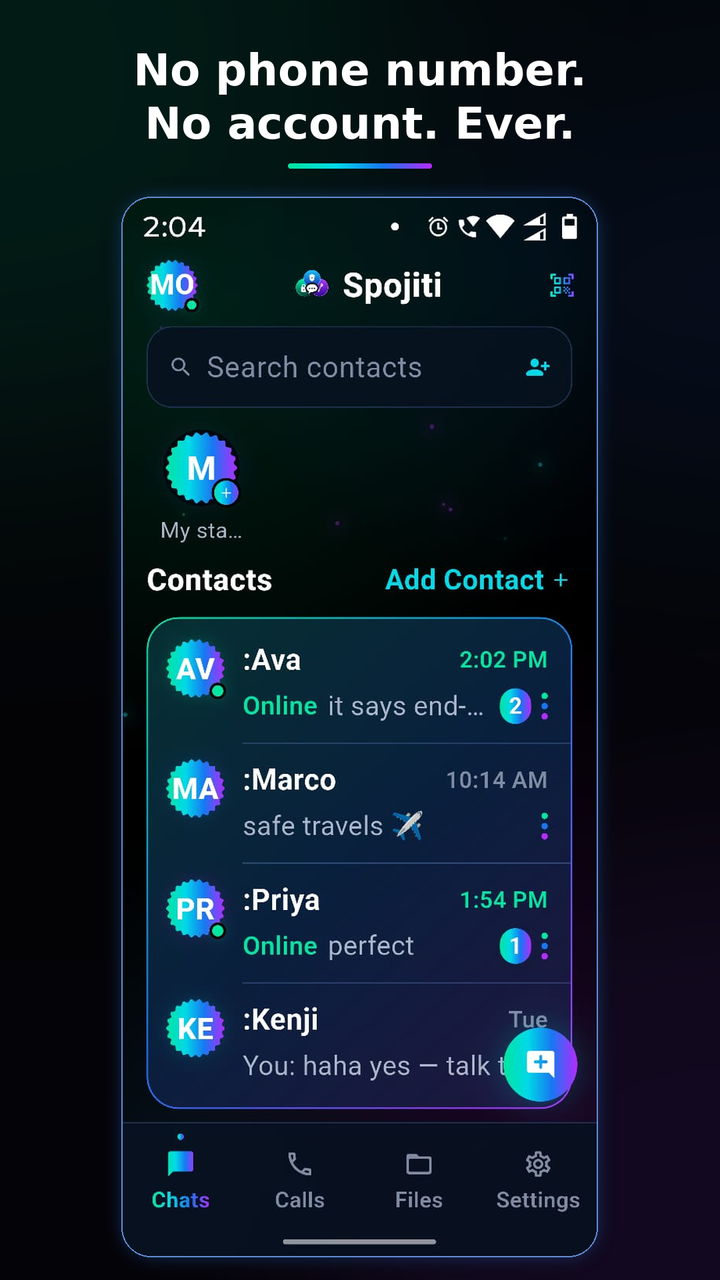
Open Spojiti and tap Create my identity. That's it — no phone number, no email, no OTP, no name. The app generates a cryptographic identity on your phone and shows you a 12-word recovery phrase (next section). You pick a handle — a nickname like :Hemz — that your contacts will see. It is a label, not an account: you can change it anytime, and nobody can look you up by it.
2 · Your recovery phrase — the one thing to protect
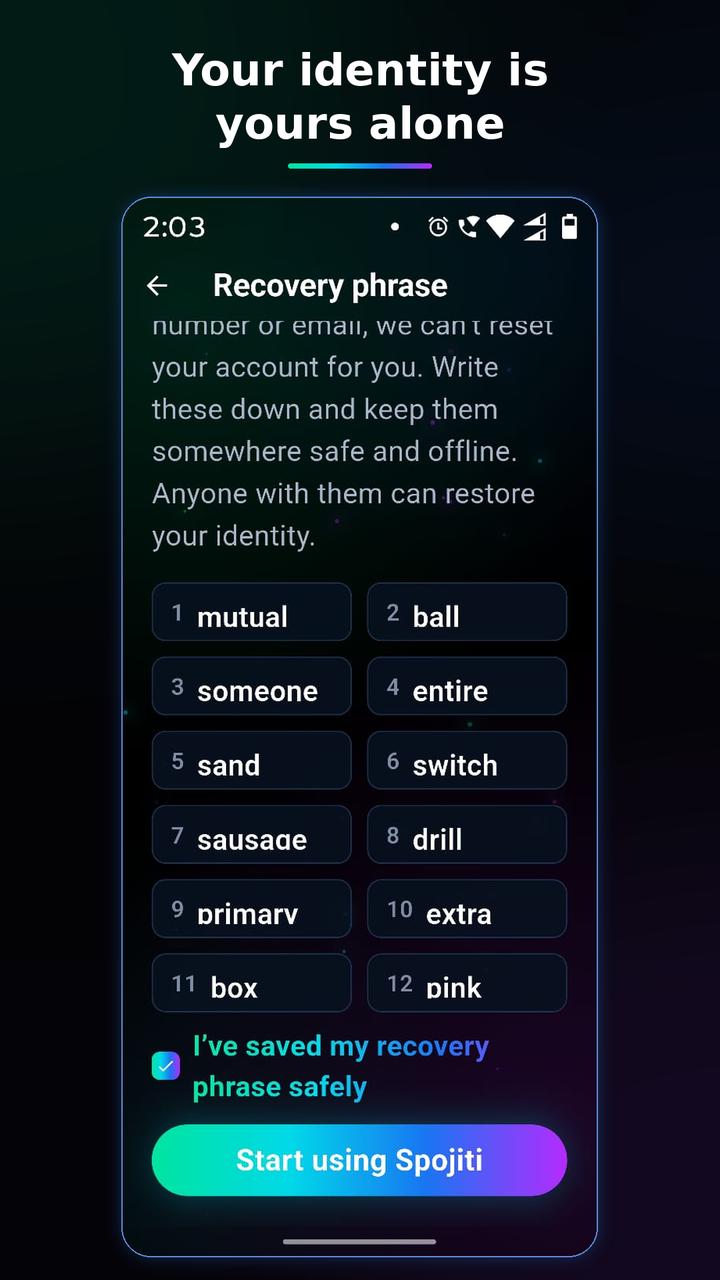
These 12 words are the only way back. Because we hold no phone number or email, we cannot reset anything for you. Write the words down, keep them somewhere safe and offline. Anyone who has them can become you; anyone who loses them loses the identity when the phone is gone.
The phrase is shown once at setup and again anytime in Settings → Recovery phrase (behind your app lock, if enabled). Never type it anywhere except a fresh Spojiti install you are restoring. Spojiti will never ask for it in a message — anyone who does is a scammer.
3 · Adding people
Two ways, both without sharing any personal data:
In person: one of you taps Add Contact and shows the QR
code; the other scans it. Done — the pairing is automatic and mutual.
From afar: share your invite link (Add Contact → Share). It
carries only your public identity — the same thing the QR shows — and opens
straight into Spojiti on their phone.
Want certainty nobody is in the middle? Open a chat → ⋮ → Verify safety number and compare the numbers on both phones once, in person or over a call you trust.
4 · Messaging
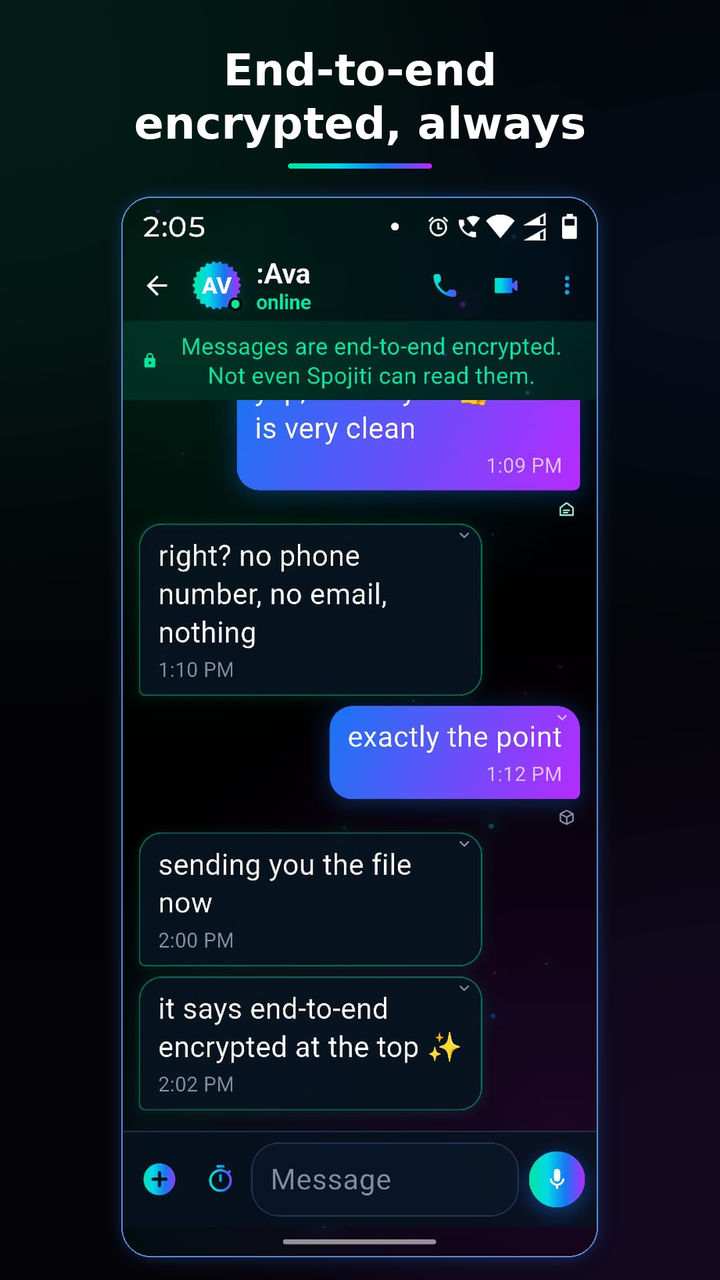
Everything you send — text, photos, videos, voice notes, files, your location — is end-to-end encrypted. The banner at the top of every chat isn't decoration; it is the truth: not even Spojiti can read your messages. Delivery ticks work as you'd expect, read receipts included.
Long-press any message to react, reply, forward, edit (your own), or delete — including Delete for everyone. The + button attaches photos, files, your location, a camera shot — or a payment request (section 7).
5 · Disappearing & view-once
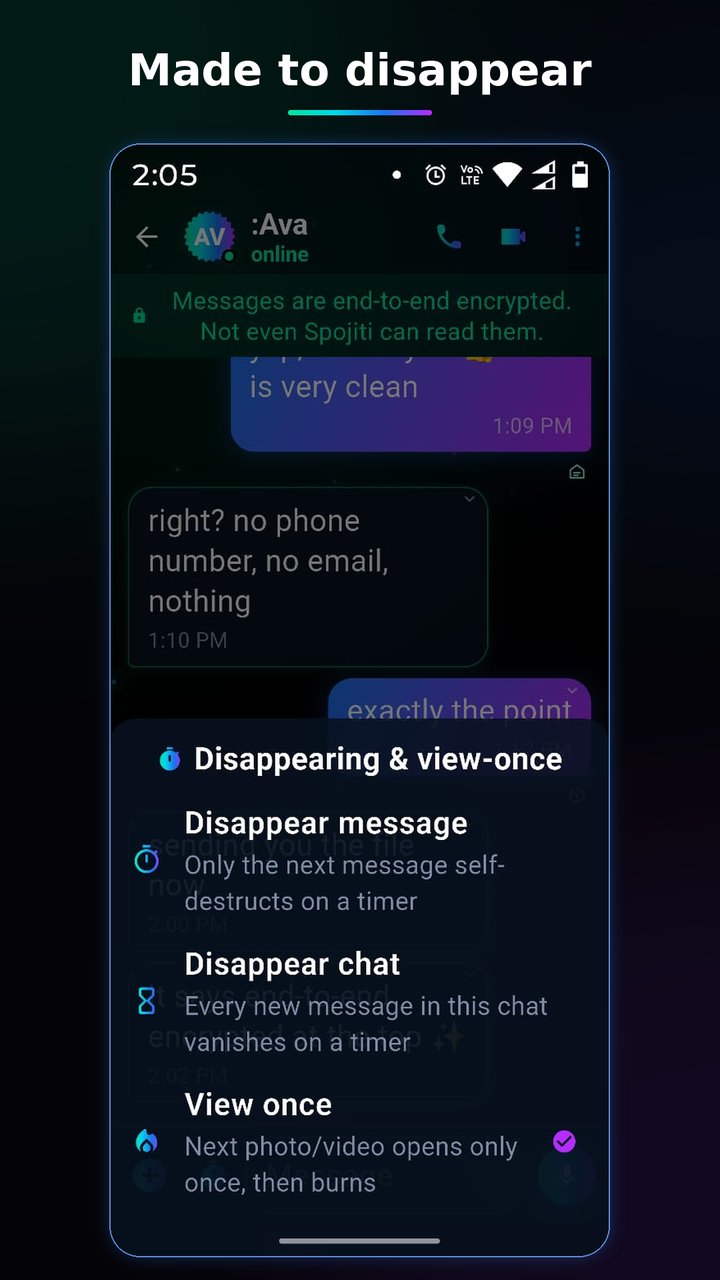
Tap the clock in the composer to arm three kinds of vanishing: Disappear message (just the next message), Disappear chat (a timer for the whole conversation — the header shows it), and View once (photos/videos that burn after one viewing — they never hit the other phone's storage and can't be forwarded).
6 · Calls
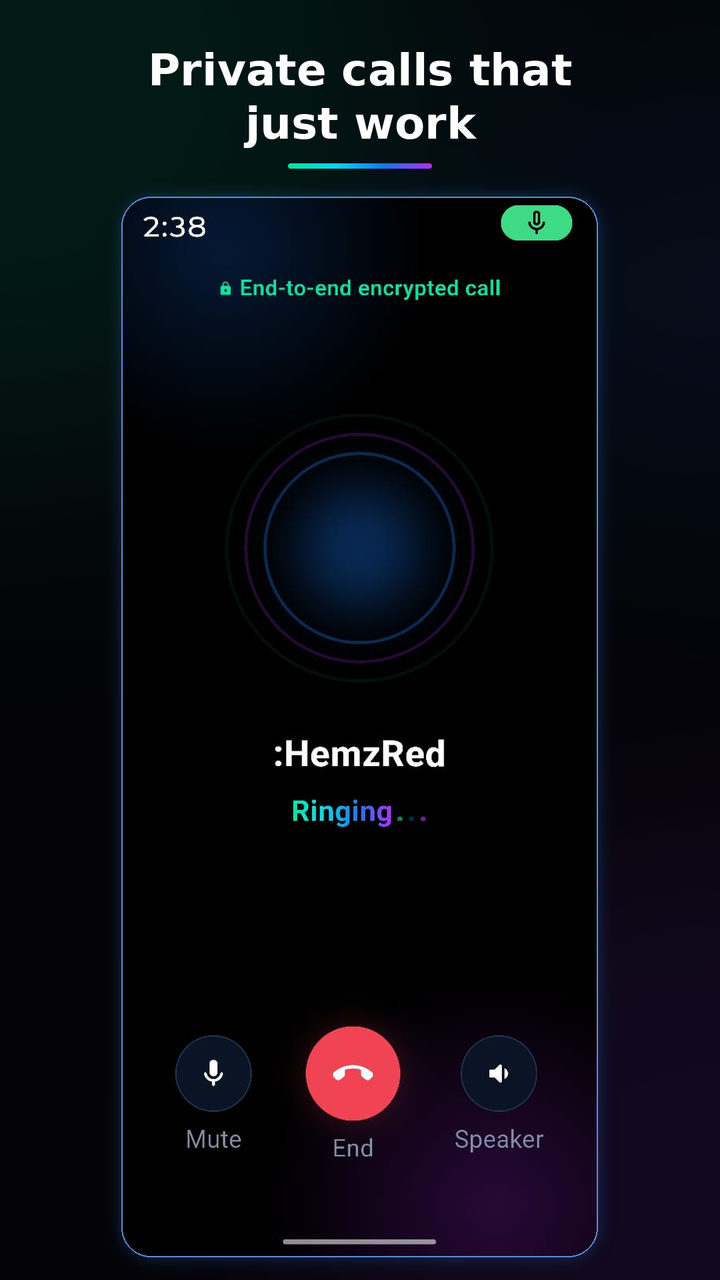
Audio and video calls are end-to-end encrypted like everything else, and they work on hard networks — hotel Wi-Fi, corporate firewalls, congested mobile data. Start one from the phone or camera icon in any chat. Mid-call you can switch an audio call to video — the other side is always asked first; nobody's camera ever opens without a yes.
Privacy extras (paid tiers): hide your identity when calling, or hide callers' identities on your own screen — the other side of the call learns nothing extra either way.
7 · Payments
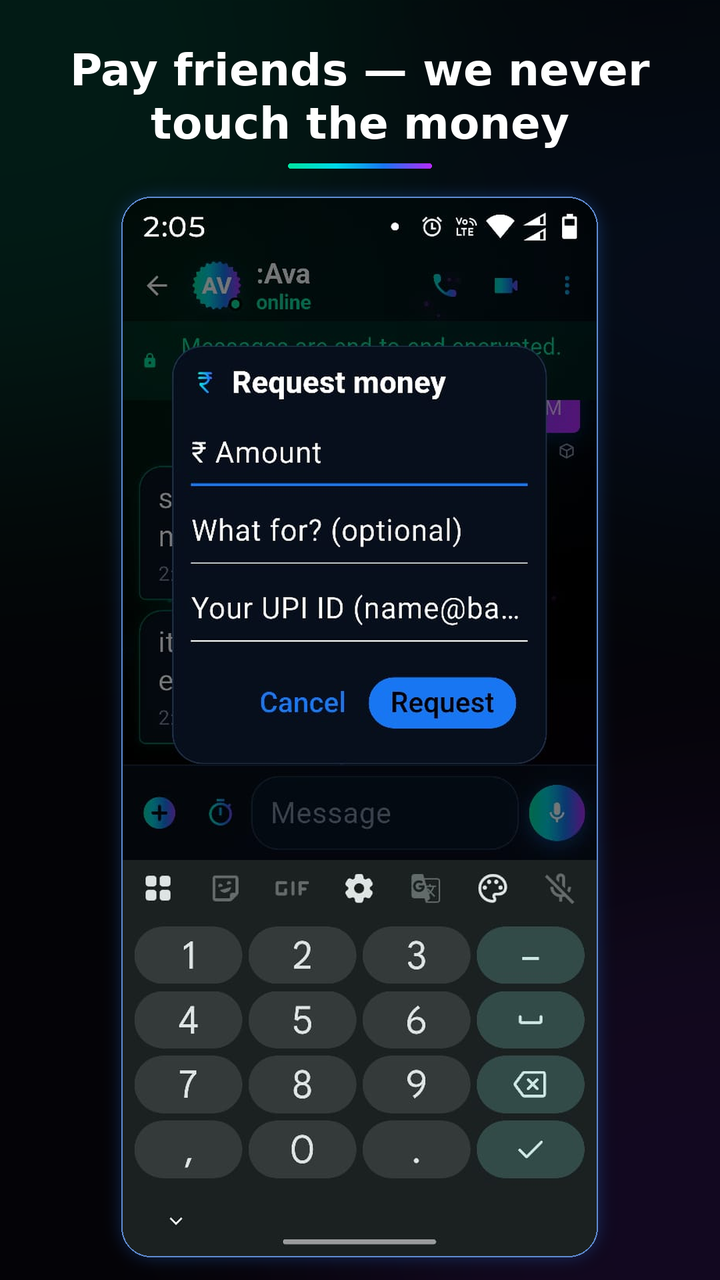
Request money right in the chat: + → Request money → amount, note, and your UPI ID (remembered next time). Your contact taps Pay and their own UPI app opens pre-filled — GPay, PhonePe, Paytm, whichever they use. When it's done they tap Mark as paid and both cards turn green.
The part that matters: Spojiti is never in the money flow. We hold no financial data, see no transactions, take no cut. The payment happens entirely between you, your friend, and your banks — we just carry the (encrypted) request card.
8 · Safety tools
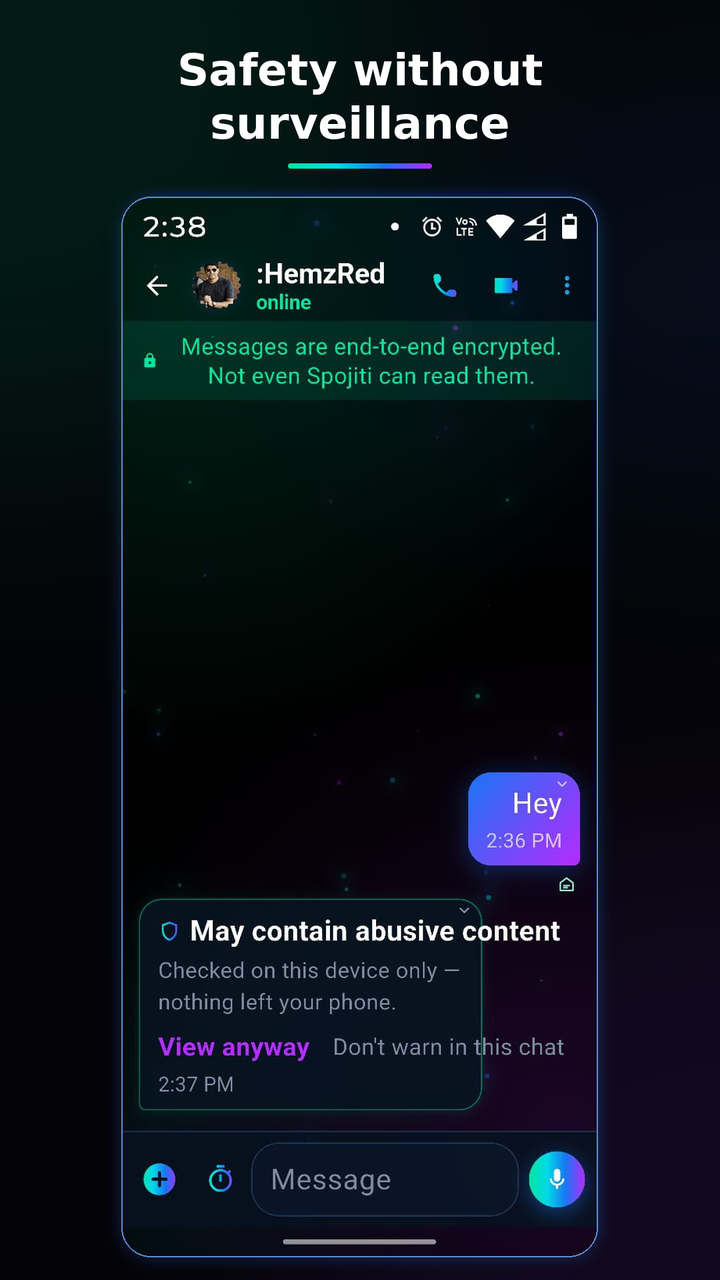
Abuse warnings, checked on your phone only. If an incoming message looks abusive, Spojiti blurs it behind a warning card — you choose View anyway, or don't. Before you send something that may come across as hurtful, a gentle "Send this?" gives you one beat to reconsider. Both checks run entirely on your device: nothing is scanned on any server — structurally, it can't be, because servers only ever see encrypted data. Both toggles live in Settings → Safety, free for everyone, and you can silence warnings per-chat.
Blocking: block anyone from their chat (⋮ → Block) — on paid
tiers you can block selectively (messages but not calls, and so on). Blocking never
notifies the other person.
Screenshot protection: per-chat, sender-governed — on Android it
truly blocks capture.
App Lock: biometric lock for the whole app
(Settings → App Lock); calls can optionally be answerable without unlocking —
chats stay locked regardless.
Report: ⋮ → Report sends what you choose to share, with
cryptographic proof of authorship — abuse can't hide behind our encryption, and
nobody can forge a report against you either.
9 · Status
Tap your avatar (or My status) to post text, a photo, a video, or audio. Statuses go end-to-end encrypted to your contacts only and disappear after 24 hours. You'll see who viewed yours; nobody else can.
10 · A second device
Premium lets one identity live on two devices. On the new phone choose Link to my other device at the welcome screen; scan the QR from your primary (Settings → Linked devices → Link a new device). The new device shares your identity and subscription — it never needs its own account. New messages flow to both; each device keeps its own history.
11 · Backup & restore
Your history lives on your phone, encrypted — not in our cloud. Two safety nets, both locked with your recovery phrase: Export encrypted backup (a file you keep anywhere) and the optional Back up to relay (one encrypted snapshot we store but cannot open). Restoring your identity on a new phone with your 12 words brings your contacts back; add a backup and your messages come too.
12 · Privacy FAQ
What do you know about me? Nothing that identifies you: no name, number, email, contacts, or location. Your identity is an opaque string of letters derived from keys only you hold.
Can you read my messages if the police ask? No — and not because we refuse, but because we can't. We only ever hold encrypted data in transit, deleted on delivery. Full details: our privacy policy.
Why does the notification just say "something new is waiting"? Because your lock screen shouldn't leak your life. When the app is running, you get rich previews (decrypted by your own phone — toggle in Settings). When it's fully closed, the guaranteed generic knock arrives instead — nothing readable for anyone who glances at your phone.
What if I lose my phrase AND my phone? The identity is gone. That is the honest price of nobody-can-reset-it security — write the words down.
13 · Troubleshooting
Messages not arriving? Open the app once — flaky networks
delay the connection, never lose messages; they wait encrypted until you connect.
Calls won't connect on hotel/office Wi-Fi? They should — Spojiti
relays calls over standard secure web ports. If one network refuses, try mobile data
and tell us.
Payment declined "for security reasons"? Some payment apps are
strict with third-party requests — tap Copy UPI ID on the card and pay
directly inside your UPI app; that path always works.
Something else? Settings → Diagnostics exports a content-free
technical log (no messages, no identities) you can send us:
spojiti@spojiti.world.